macOS 14.2+ · Apple Silicon & Intel · v1.3.0
MusicLooks Betterwith You.
A music visualizer for Mac. It hears whatever your Mac plays (Spotify, YouTube, a DAW, even the record on your turntable) and draws it live, in 60+ curated scenes.
macOS 14.2 or later · notarized by Apple · free
Free to download · Two scenes free, forever · One purchase unlocks all 60+
Also on iPhone & iPad · App Store
Windows & Linux · Beta
Runs live on this page · Not a recording
Not a video: seven scenes from the app, running live. Step through them with the arrows, press Sample to hear them follow a real track, or drop your own file onto the frame: it plays and is analyzed on your device, never uploaded.
Hears everything your Mac plays.
LIQUIDWAVE hears whatever your Mac is playing, from Spotify, Apple Music, YouTube and Logic to a browser tab, using what's already built into macOS. Nothing to install, nothing to configure.
Zero setup. No extra software, no cables to reroute. macOS asks for permission once, and from that moment everything you play is visible.
- · Spotify
- · Apple Music
- · YouTube
- · Logic
- · Ableton Live
- · DJ apps
- · Browsers
- · Any app
Sees your vinyl. And the room around it.
The microphone is tuned for real rooms. It lifts away turntable rumble, ignores the hiss between tracks, and brings quiet pickups up, so even a gently playing record fills the screen.
A turntable spinning in the next room, a cassette deck on the kitchen counter, a friend playing acoustic across the room: LIQUIDWAVE reads them all, on-device, never sent anywhere.
- · Turntables
- · Cassette decks
- · CD players
- · Radio
- · Live performance
- · DJ sets
- · Acoustic instruments
Reads the kick. Catches the cymbal. Locks to the tempo.
Most visualizers react to a single number, the total loudness, and call it a day. LIQUIDWAVE listens across seven bands at once, sixty times a second: it feels each beat as it lands, follows the tempo, and hands all of it to the picture. Every preset is dialed in to specific sounds and timings, never just the volume.
Seven bands of hearing
- 01Sub-bass20 to 60 HzKick body, sub-rumble
- 02Bass60 to 250 HzBassline, low warmth
- 03Low-mid250 to 500 HzBody of the mix
- 04Mid500 Hz to 2 kHzVocals, lead instruments
- 05High-mid2 to 4 kHzPresence, attack transients
- 06High4 to 8 kHzCymbals, hi-hats
- 07Air8 to 20 kHzShimmer, reverb tail
Sixty times a second · Seven bands · Every beat as it lands · Tempo locked within a few bars · All on your Mac.
Ten styles · 60+ scenes
A preset for every kind of listening.
One for the focused morning. One for the dinner party. One for the late-night side of a record. Each preset maps to a specific moment in graphic, musical, or environmental history. Never a random variation, never a generic gradient. 60+ scenes, ready when their hour arrives.
- No. 0108 scenes
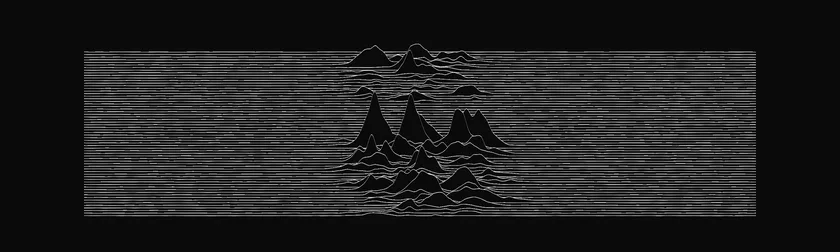
Line
Waveforms. Contours. Vibration line art.
A waveform held in a stack of lines, rings rippling outward, a contour map coming alive, strings set ringing, a Platonic solid in wire. Music, drawn as a line.
- 01·WaveALWAYS FREE
- 02·Ripples
- 03·Topography
- 04·Strings
- 05·Lissajous
- 06·Solids
- 07·Waveline
- 08·Pulsar
- No. 0206 scenes

Graphic
Op Art. Halftone. Chladni. Cymatics.
Op-art, halftone dots, Chladni figures, Faraday's standing waves, a checkerboard swelling off the canvas: the geometry that frames a record in print.
- 01·Chladni
- 02·Halftone
- 03·Lattice
- 04·Op Art
- 05·Faraday
- 06·Vega
- No. 0308 scenes
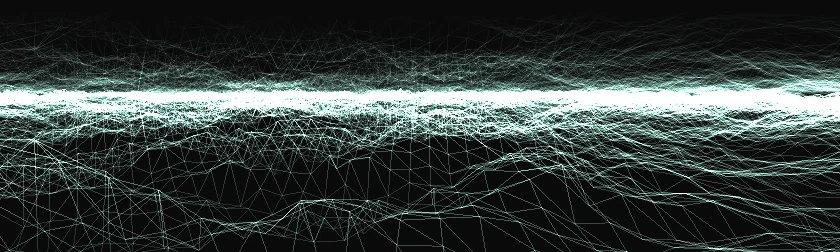
Wire
Wireframe seas. Drumheads. Tunnels.
A wireframe sea seen from just above the surface, an island of peaks alone in the dark, a drumhead, a tunnel, a ribbon tied in a knot. Line art given depth, rising with the bass and lying still in silence.
- 01·Horizon
- 02·Ocean
- 03·Waves
- 04·Dome
- 05·Peaks
- 06·Membrane
- 07·Tunnel
- 08·Ribbon
- No. 0409 scenes
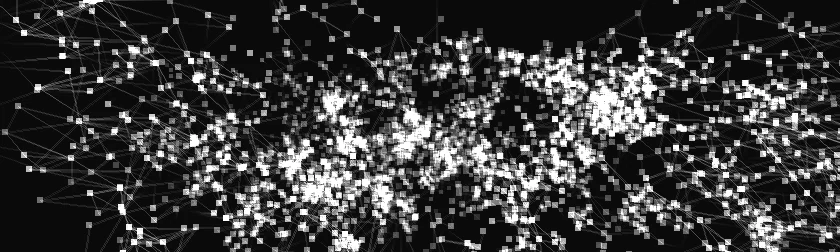
Raster
Point clouds. Data as image.
A wired volume of data, a cloud that glides between shapes, a cube, a globe, a double helix, a radar sweep, a strange attractor. Points on black, moved by the music.
- 01·Datum
- 02·Morph
- 03·Voxel
- 04·Cube
- 05·Orbit
- 06·Particles
- 07·Helix
- 08·Radar
- 09·Attractor
- No. 0505 scenes
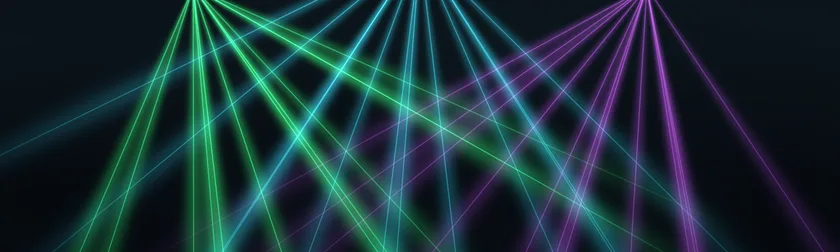
Lighting
Stage. Beams. Lasers.
The stage rig, the laser show, the lights of the club. The room's own kinetics, invited inside.
- 01·Stage
- 02·Laser
- 03·Sheet
- 04·Rays
- 05·Haze
- No. 0605 scenes
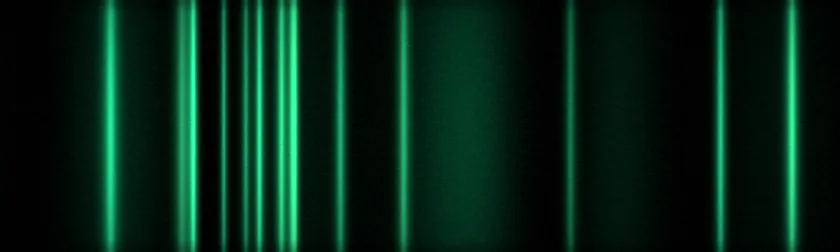
Chroma
Atmospheric color fields.
Fields of color, slowed to the pace of the room.
- 01·Spectrogram
- 02·Curtain
- 03·Aurora
- 04·Color Field
- 05·Iris
- No. 0705 scenes
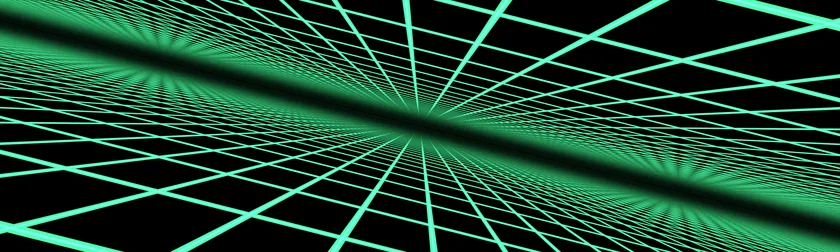
Cyber
Neon retrofuture. Analog warmth.
Synthwave horizons, a neon grid running to the vanishing point, phosphor decay on an old monitor. The future, remembered.
- 01·Synthwave
- 02·Cyber World
- 03·Cyber Grid
- 04·Streaks
- 05·Code Rain
- No. 0807 scenes
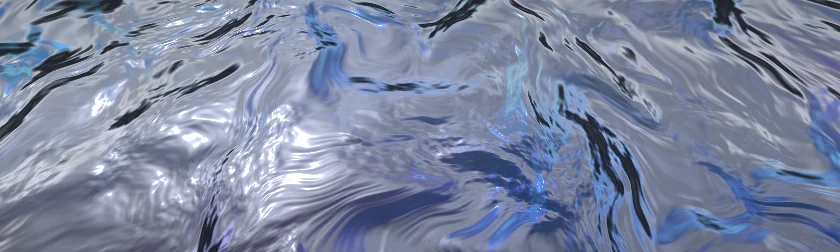
Metal
Molten chrome. Foil. Iridescence.
Chrome that ripples like a liquid, a rainbow film on foil, satin light across a drape, a steel plate dented by the drums. The surface carries the rhythm; the light itself never flickers.
- 01·Liquid Metal
- 02·Foil
- 03·Silk
- 04·Prism
- 05·Hologram
- 06·Dent
- 07·Chrome
- No. 0906 scenes
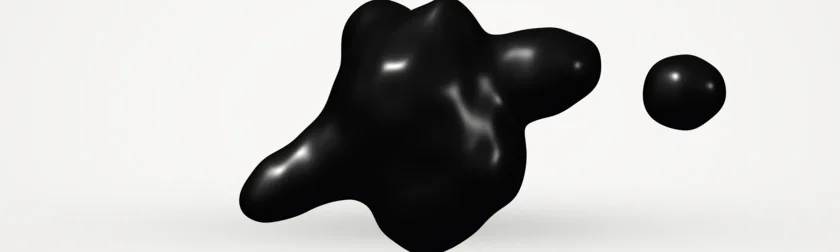
Fluid
Magnetic ink. Lava. Honey. Slime.
Magnetic ink heaving on paper, a body of water, a lava lamp seen through its glass, honey running off a ledge, a jelly, neon slime in the dark. The low end swells them; a drum hit throws out an arm, a drip or a glob.
- 01·Ferrofluid
- 02·Water
- 03·Lava
- 04·Honey
- 05·Jelly
- 06·Slime
- No. 1008 scenes
Spectral
Pitch by pitch. Hairlines. Grains.
Glints streaming along field lines, a form spun on a lathe, a field of grains, a green-phosphor oscilloscope, an atom of orbits. Each follows the music pitch by pitch and tells the kick, the snare and the hats apart.
- 01·Dipole
- 02·Feedback
- 03·Lathe
- 04·Granular
- 05·Scope
- 06·Signal
- 07·Warp
- 08·Atom
Wave is always free. Pick one more, free, the first time you open the app. The rest unlock in the app.
Curated, not generated. New styles join the set over time.
Shuffle plays each scene once before any comes round again, whether it's the whole set, one style, your favorites or a playlist of your own. On a Mac with Apple Intelligence, Mix Shuffle picks the scenes that fit the track that is playing, on the Mac.
macOS 14.2 or later · notarized by Apple · free
Two of these are free. Download and pick yours.
Free to download. Two scenes free, forever. Unlock the rest in the app.
Free
Two scenes
- The signature Wave scene, always
- One more scene you pick, any of the 60+
- System audio and Listen Mode, both
- No time limit. No account.
$24.99 · Full Unlock
Everything
- All 60+ scenes across ten styles
- Scene playlists of your own
- One purchase, made inside the app
- One license for the Macs you use
- Free updates, right from the app
- On the App Store: $29.99 once, or $19.99 a year.
macOS 14.2 or later · notarized by Apple · free
Buy the unlock inside the app whenever you're ready. No account needed.
Straight answers.
- Is it really free?
- Yes. Two scenes (Wave, and one you choose the first time you open the app) with both sources, forever. The rest unlock for $24.99, once, inside the Mac app. On the App Store it's $29.99 once, or $19.99 a year.
- Does it work with Spotify, YouTube, Apple Music?
- Anything your Mac plays, through the system-audio tap built into macOS. One exception: DRM-protected Apple Music streams are silenced by macOS for every capture app. Purchased or DRM-free tracks work, and so does Listen Mode through the mic.
- Does my audio leave my Mac?
- No. Everything is analyzed on your Mac and the audio is never uploaded. There is no account.
- What does the first launch ask for?
- One permission: System Audio Recording, so the app can see what your Mac is playing. The microphone is asked for only if you choose Listen Mode, in the welcome tour or later.
- Which Macs?
- macOS 14.2 or later, Apple Silicon or Intel. The download is 9.2 MB, signed with Appnics' Developer ID and notarized by Apple.
- iPhone, iPad, Windows or Linux?
- LIQUIDWAVE for iPhone and iPad is on the App Store, free to download like the Mac app, and listens through the microphone. Windows and Linux are in beta, free to download.
- Bought it on the App Store?
- That edition unlocks through Apple, and a purchase or a yearly plan there covers your Mac, iPhone and iPad. It isn't interchangeable with a license from this site, so keep using the copy you bought.