LIQUIDWAVE for Mac · Styles
A laser light show visualizer for your Mac.
Updated 7 October 2026
Lighting is LIQUIDWAVE's style of stage light: laser rigs, sheets of light, god rays and floor lamps, all shining through a room full of smoke. You watch from the crowd, the beams come at you, and the music runs the show. It is a laser light show on your Mac's screen, with no rig to set up.
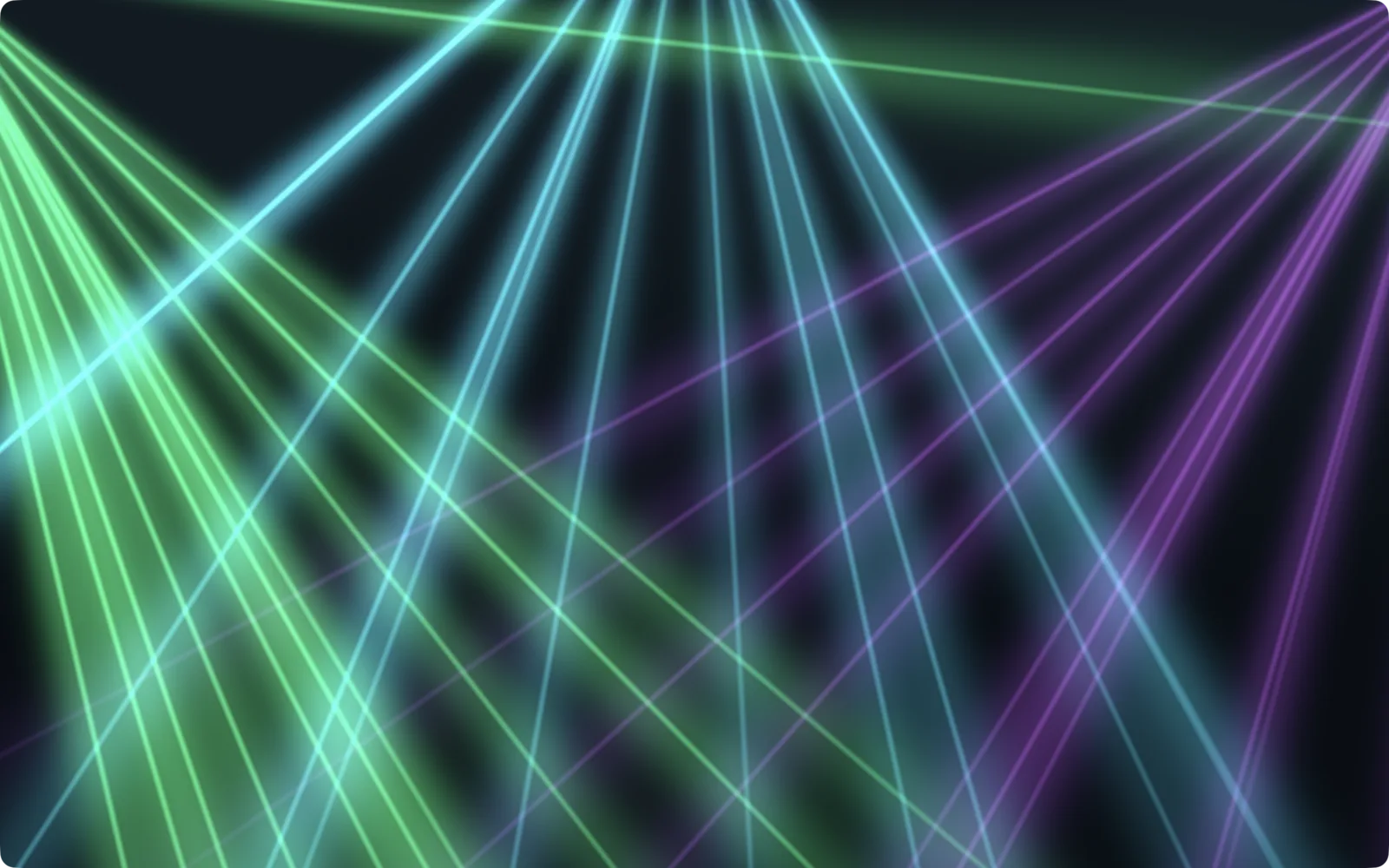
Light in smoke
Every Lighting scene fills the air with a slow, drifting smoke, so the beams read as light in a room rather than lines on black. Where the smoke is thick, a beam's edge scatters wider and brighter. Laser and Sheet go further and build their rigs in three dimensions: each beam is a real line in space, from an emitter low and far back on the stage to a point just in front of you. Perspective does the rest, a hairline at the emitter and a broad, soft beam by the time it reaches you.
Two ways to answer the music
Stage, Rays and Haze flare with it. Their light brightens with the bands and the drums. In Stage the kick flares the low rig, the snare the middle one and the hi-hats the high one, so each drum lights a part of the stage rather than the whole frame.
Laser and Sheet keep the music out of the light. Nothing in the audio touches their color or brightness. The music is in the geometry: how fast the formations move and how far they sweep, how wide the fans open, how thick the beams are. The picture responds without ever blinking.
Every Lighting scene
Stage. Three rigs of laser fans radiating through stage haze, with a color pattern and a motion pattern cycling independently, from an all-green parallel sweep to a violet and cyan crossfire. Loudness scales the motion, so a quiet passage barely drifts and a loud one moves like a real show. The bass thickens the haze and the beam cores, each rig takes its own part of the spectrum, and the snare opens every fan for the hit.
Laser. Four emitters low at the back of the stage fire fans of hairline lasers up over your head, with packets of light racing out along each beam. The beams move in formations: every fan on one shared aim, all on the center, crossing pairs, chases and mirrors, one formation gliding into the next every few bars. It is strictly monochrome, walking white, aqua, blue, pale green and green, nine seconds a color. The bass opens the fans over a loud passage, the kick fattens the beams and the hi-hats add a fast shimmer.
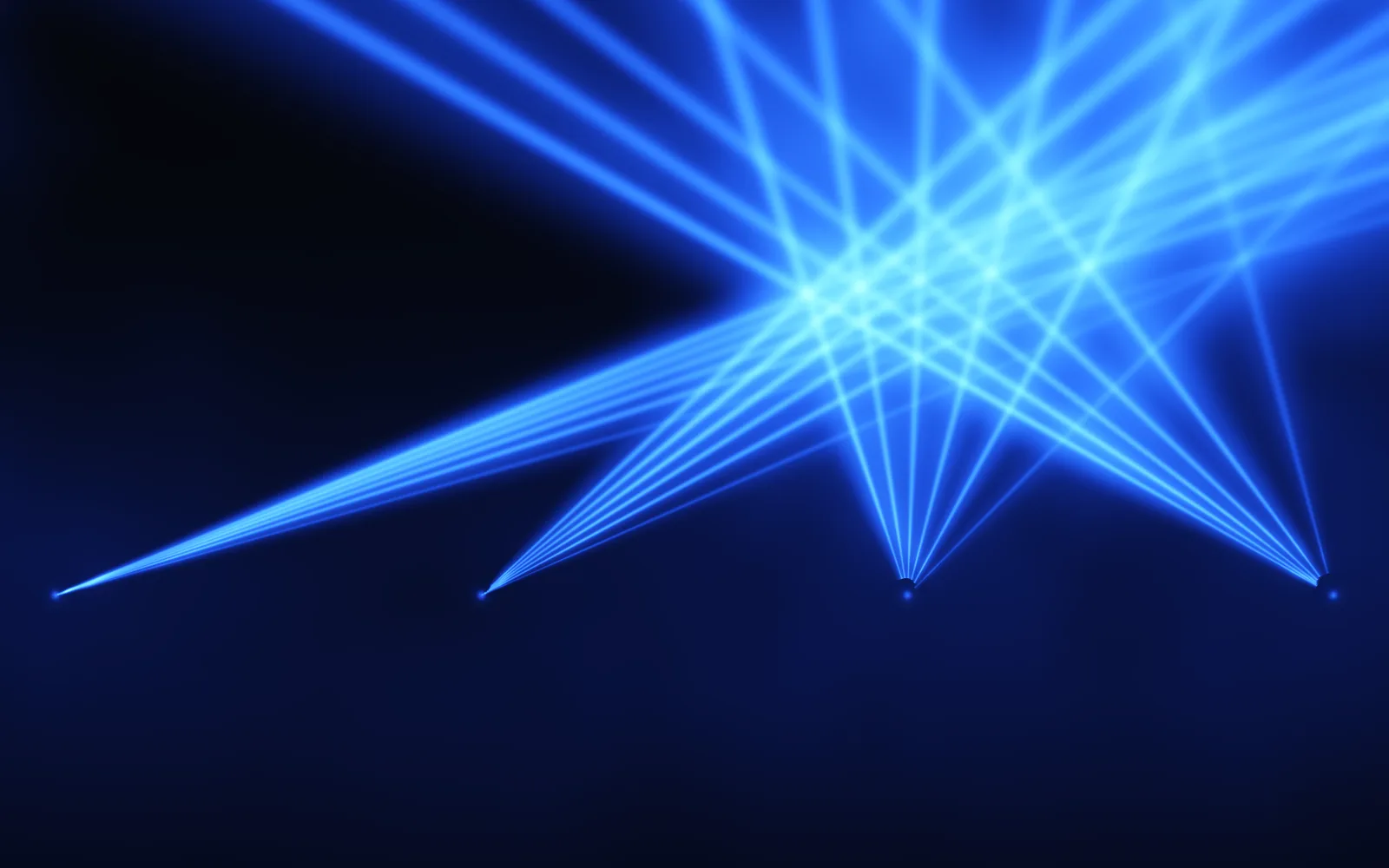
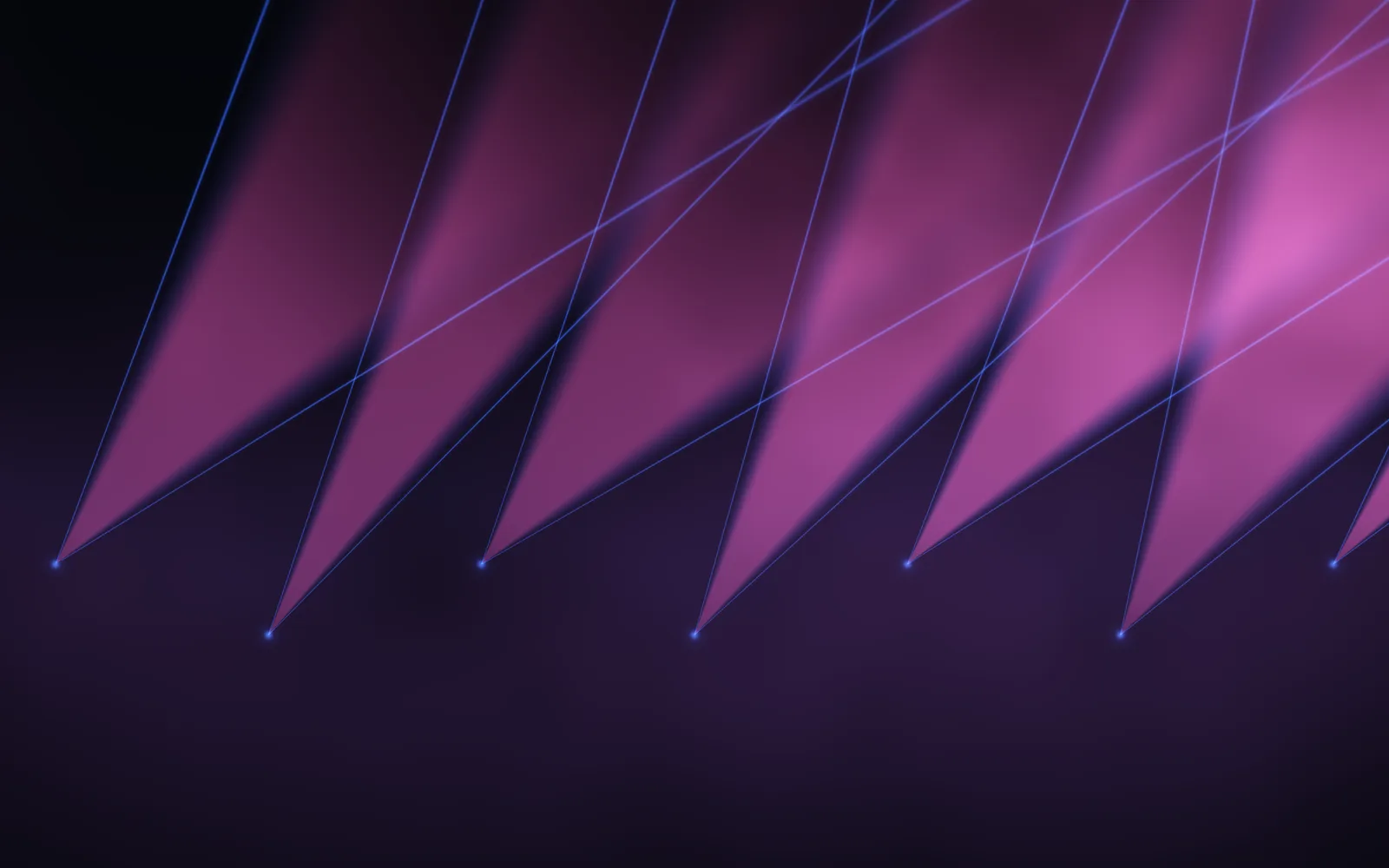
Sheet. Laser's rig, but every beam is a sheet of light: a thin wedge between two hard blue edges, filled with a second color that turns green, purple, pink and white in turn. Seven sheets lean together as near-parallel bands, and the point where they pass you climbs and falls. Now and then a couple break ranks for a few bars and swing across the others. A loud passage opens the wedges wider, and the snare opens them for the hit.
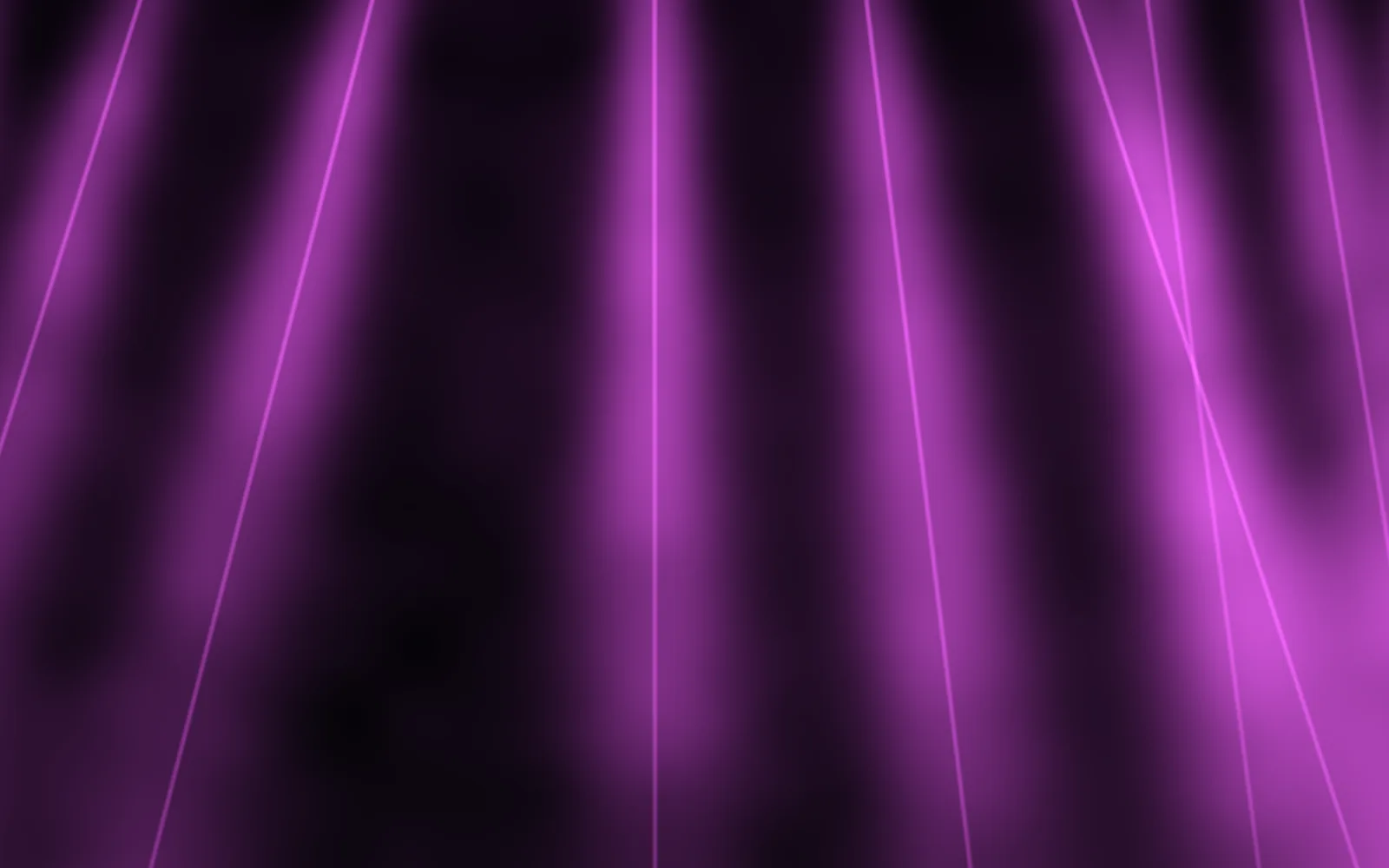
Rays. Twelve god rays shining down from above the frame through drifting smoke, with dust rising through the beams. The color cycles cyan, amber and magenta in time with the beat. Each ray's brightness follows a band, the bass thickens the smoke, and the kick, snare and hi-hats flare the low, middle and high rays.
Haze. Concert smoke, dense in the lower half and thinning toward the top, lit from the floor by three lamps in water blue, teal and mint. The bass thickens the smoke, and each drum flares a lamp: the kick the left one, which also billows the smoke, the snare the center, the hi-hats the right. In silence Haze settles, and it wakes when the music arrives.
How Lighting plays with different music
Tempo sets the pace. Laser and Sheet sweep on the beat count, and Laser turns its formations over on it too, so a fast track sweeps faster than a slow one. Loudness sets how far: a quiet song is a slow drift, a full mix the whole sweep. A drum-heavy track brings out Stage, Rays and Haze, whose rigs flare hit by hit. A track without drums still moves all five through the bass and the overall level.
What to expect
Some scenes flare on the beat. Stage, Rays and Haze pulse with the drums. If flashing light bothers you, choose Laser or Sheet, where the light level and color never follow the music.
Color mostly keeps its own time. Laser and Sheet change color every nine seconds whatever is playing. Rays steps through its colors with the beat, and Stage moves through its color patterns faster when the music is loud. The music is mostly in the motion.
It draws the light; it doesn't drive it. LIQUIDWAVE renders these rigs on your screen. It doesn't control stage fixtures or real lasers.
Where to go next
Cyber trades the haze for neon. Chroma fills the whole frame with color and light. Any Lighting scene can also play behind your desktop icons in Desktop Mode. LIQUIDWAVE for Mac is a free download with two scenes, Wave and one you pick, and one purchase inside the app unlocks the rest of the 60+ scenes, every Lighting scene included.
macOS 14.2 or later · notarized by Apple · free
Questions
- Which scenes are in the Lighting style?
- Stage, Laser, Sheet, Rays and Haze.
- Do the Lighting scenes flash?
- Stage, Rays and Haze flare their beams and lamps with the drums, each drum lighting a part of the rig rather than the whole frame. In Laser and Sheet nothing in the audio changes the color or the brightness; the music moves the beams instead.
- Can LIQUIDWAVE control real lasers or stage lights?
- No. LIQUIDWAVE draws the light on your Mac's screen. It doesn't send anything to lighting fixtures or lasers.
- Is the Lighting style in the free version?
- The download is free and includes two scenes, Wave and one you pick, with no time limit. One purchase inside the app unlocks the rest, every Lighting scene included.